


| We are happy to announce a major new feature at Script 360 - a complete idea creation module where you can develop your script ideas before you even start writing the script. Test out script titles, loglines, even synopses, then flesh out the emerging story with rounded out characters, scenes (arranged in our new, structured scene boards) and then invite others to look them over and let you know what they think. Finally, when you have it all fleshed out, your characters developed and scenes added and organized to create a complete story from start to finish, click a button and create the screenplay, complete with your scene structure and ready for you to write in full. On the Dashboard page when you log in... You will see a new section at the top...Ideas. This allows you to add new story ideas and shows you their status and development stage: |
|
 |
|
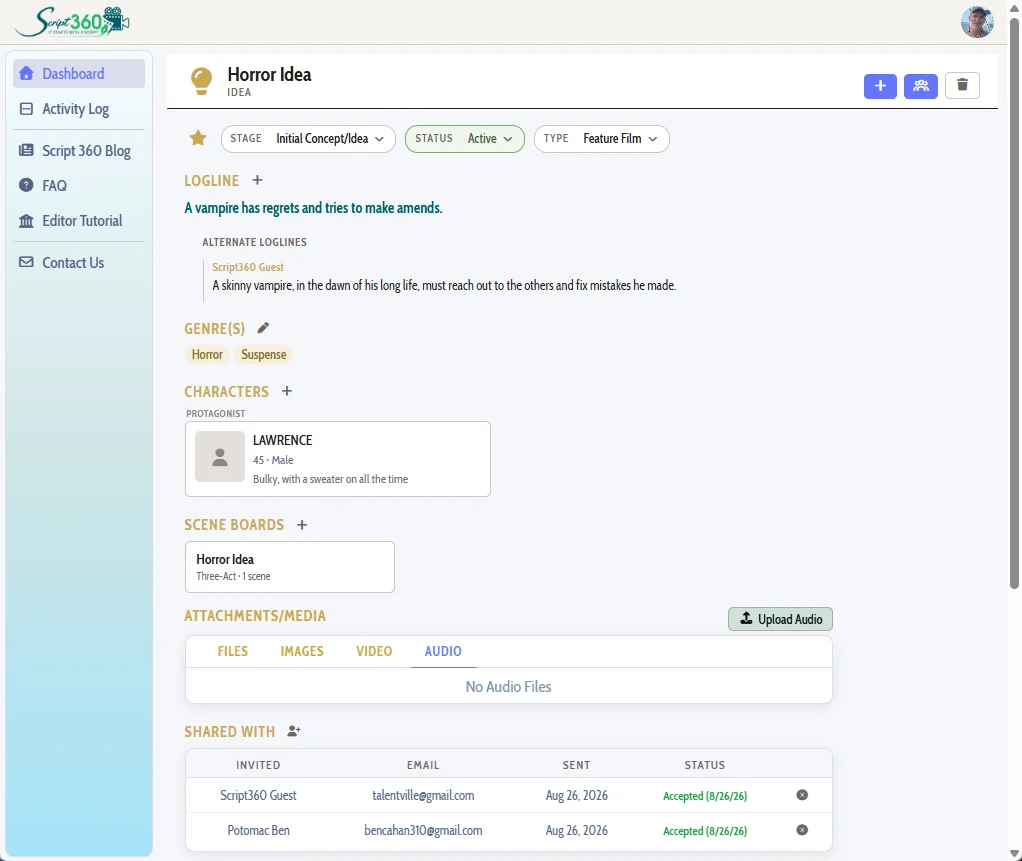
| When you click on an existing idea (or create a new one), that is where the magic happens: | |
 |
|
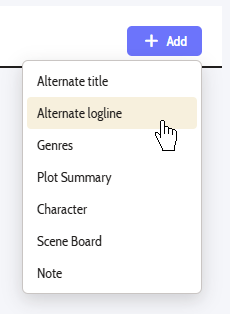
| Here are a few more screenshots to get you all jazzed about some of the options relating to our brand new idea development system... | |
 |
 |
|
Then, when you are ready to get feedback from others, you can invite anyone (member or not!) to look over your idea, suggest alternate logline versions, or leave you notes and comments to help you get the idea just right. |
|

Comments