
Activity Log
Loading content...
Sketches in the Script
Your scene and character sketches, right where they happen
Pictures where they belong
Once a scene or a character has a sketch, it shows up in the script itself — nothing to switch on.
Scenes and shots
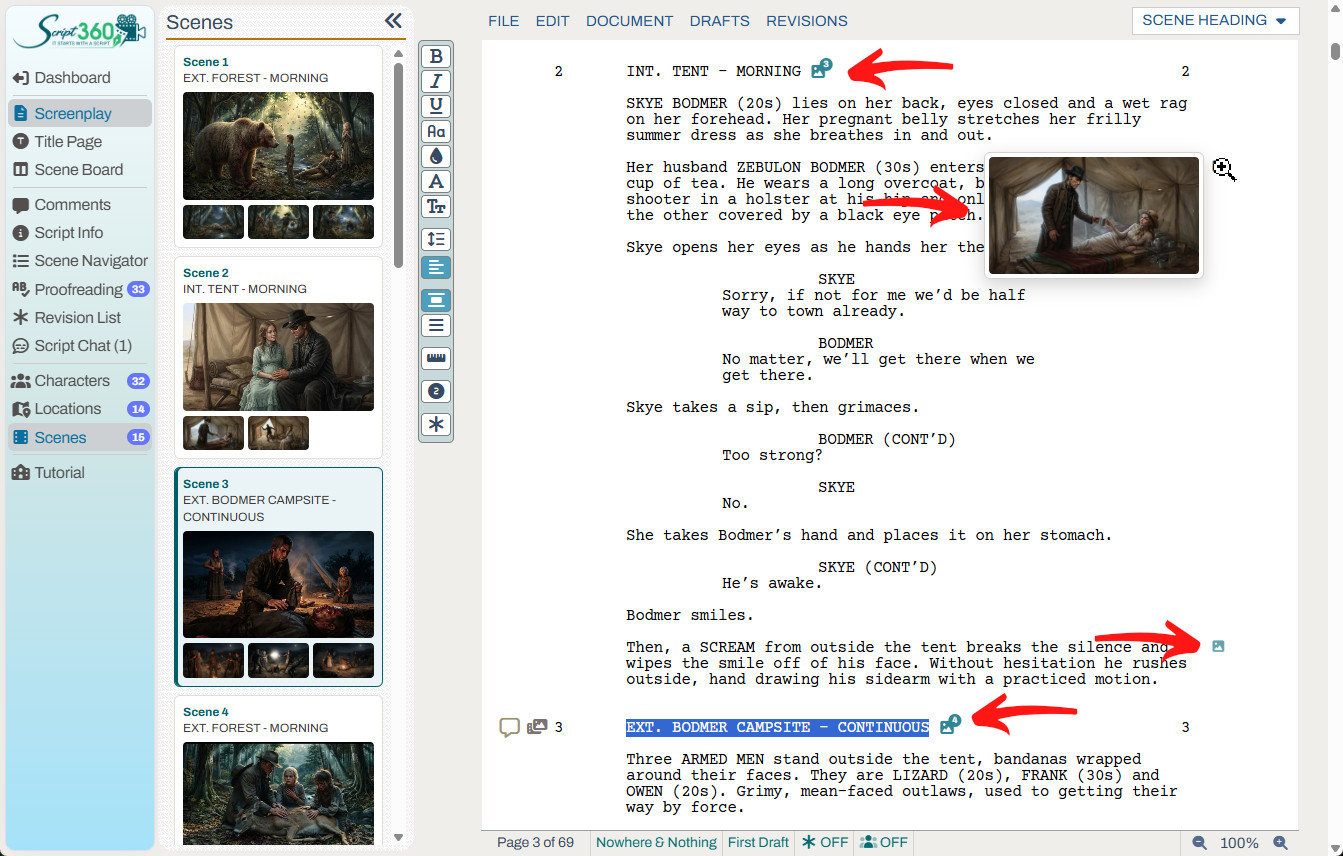
A scene with a picture has a small picture icon at the end of its scene heading, with a count when it has more than one. Hover over it to see the picture; click it to look through all of the scene’s pictures, and on through the rest of the script’s. Each shot also has its own icon beside the line where its moment happens.
Characters
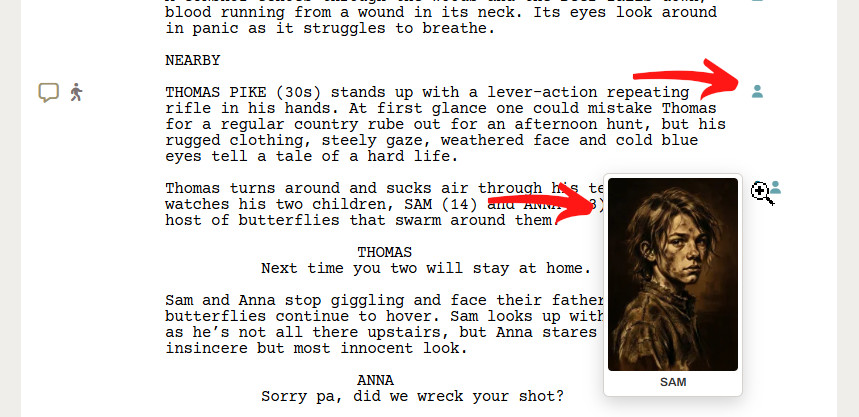
A character with a sketch has a small person icon beside the first place they appear: their first line of dialogue, or the first action line with their name in CAPITALS — whichever comes first. Hover to see the sketch; click to see the whole cast in the order they appear.
The icons sit beside your text, not in it, so they never change your formatting or your page count, and they move with the text as you write.
When you save a PDF, you can add the scene pictures and cast sketches on pages after the script. See Save PDF Versions under Saving Your Work.
Loading screenplays…
Loading members…
Loading coverage…
Loading posts…
Education
Webinars and articles on the craft and business of screenwriting, from Script 360 and writers who know the work.
Loading webinars…
Loading articles…
Attachments/Media
The tabs in this section are currently hidden. Click on any of the tab titles above to open one.
| Title | Size | Uploaded | Actions |
|---|
No Attachments
No Images
No Videos
No Audio Files
Series / World
For a TV series, or a film and its sequels: keep the characters and locations that recur here, and every script you add to the folder can bring them in.
The tabs in this section are currently hidden. Click on any of the tab titles above to open one.
Scripts
Attachments/Media
The tabs in this section are currently hidden. Click on any of the tab titles above to open one.
| Title | Size | Uploaded | Actions |
|---|
No Attachments
No Images
No Videos
No Audio Files